The Best Tool: Designing in a Multi-Software World
March 3, 2026
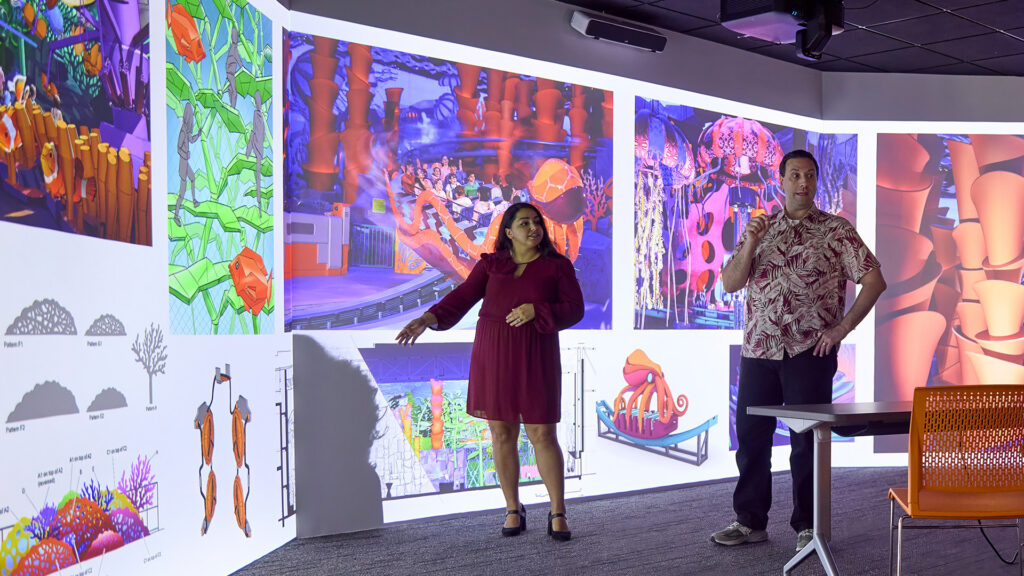
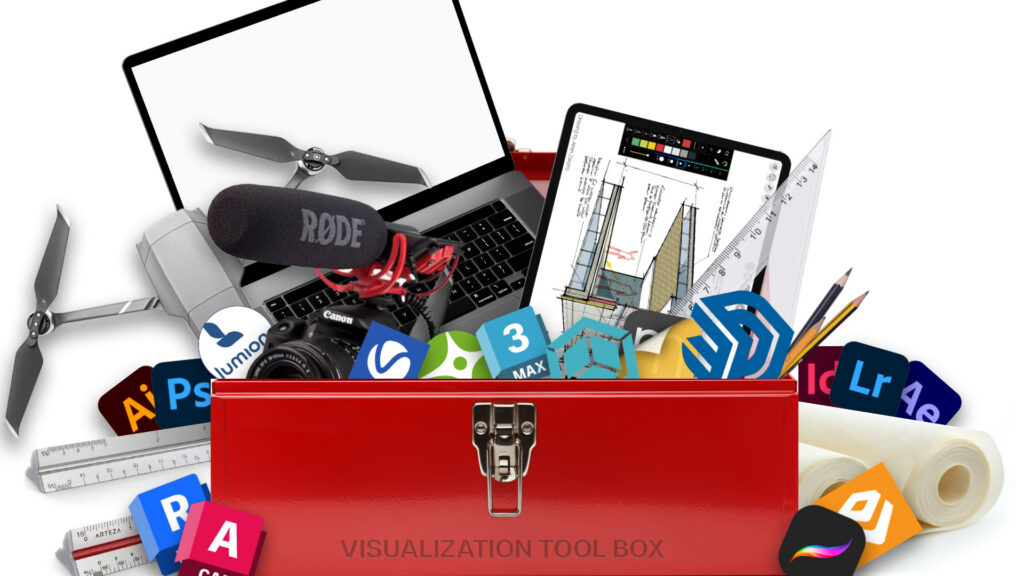
Walk through the PGAV studios, and you’ll see designers working across a wide array of software. Revit. Rhino. SketchUp. Zbrush. 3ds Max. Unreal Engine. It can feel like a dizzying mix of choices. And how do you get all the designers to agree?
Dave Cooperstein, Director of Process and Design Innovation, spends a lot of time answering those questions.
“Everyone wants to know what the best technology is,” Cooperstein says. “My answer? The best tool is the tool you need to get your job done. You don’t tell a master of Rhino that they have to work in SketchUp. You don’t force a SketchUp expert into another platform just for uniformity. The real question is: How do we get everyone working together?”
Begin With the End in Mind
If the best tool depends on the job, then the real challenge becomes creating a system where every tool works together. As technology has expanded, so has the design process. Concept sketches evolve into digital models. Models become coordinated systems. Systems become documentation. Documentation becomes reality.
Without a clear strategy, that process can quickly become chaos.
Successful projects begin with two core principles:
- Coordination
- Interoperability
“We begin with the end in mind,” Cooperstein explains. “We don’t start modeling until the entire team understands how we’re going to get to the finish line together.”
That means the team needs to align and understand the critical project aspects:
- What are the project goals?
- What are the final deliverables?
- Which software will everyone be using?
- How will each person’s work plug into the broader project workflow?
The Comprehensive Model
If interoperability and coordination are the goals, the comprehensive model makes them possible.
“There was a time when digital files lived in silos,” Cooperstein says. “Models didn’t talk to each other very easily. Coordination meant exporting, importing, and hoping nothing broke along the way.”
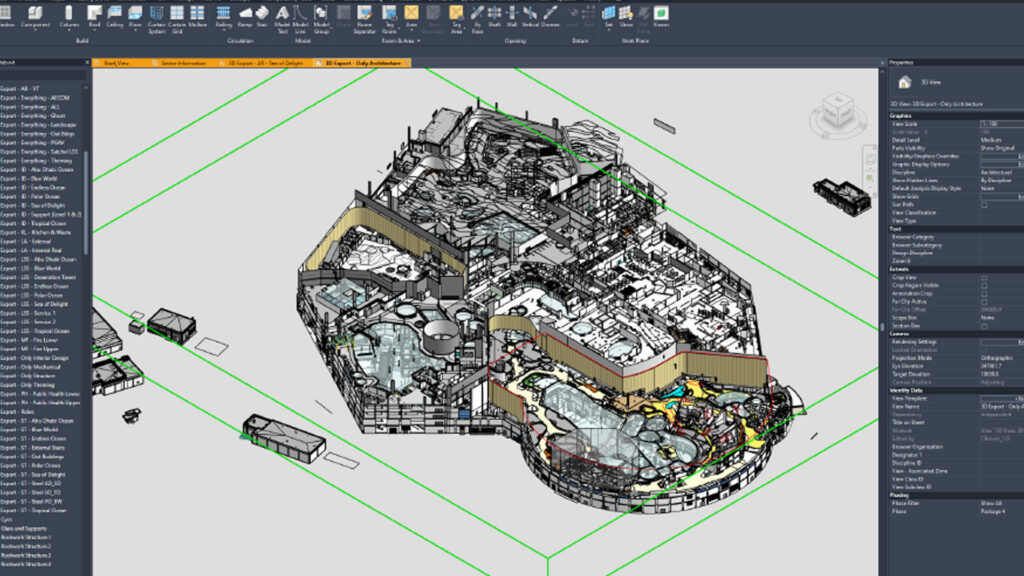
Now, everything converges into a central, comprehensive model that serves as the linchpin for project coordination. For PGAV, 90% of the time, that linchpin is Revit.
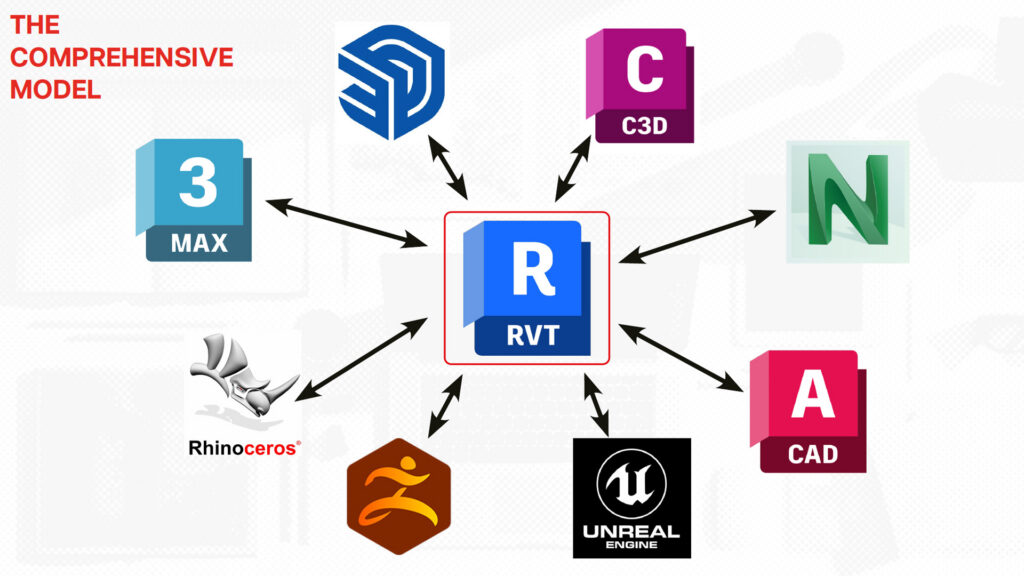
But that doesn’t mean everything is created in Revit. Instead, PGAV designers move fluidly between platforms, including Rhino, SketchUp, ZBrush, 3ds Max, Maya, Photoshop, and a myriad of other 2D and 3D modeling and visualization software.
Technologies like Rhino.Inside.Revit and cloud-based translators such as Speckle aid in that interoperability. The goal is collaboration rather than forcing everyone into the same box. Cooperstein explains, “My 3D modeling expertise is in SketchUp. Other designers have mastered Rhino or ZBrush. At the end, though, it doesn’t matter which tool you choose as long as you have a central model around which everything is coordinated.”
Case Study: SeaWorld Abu Dhabi
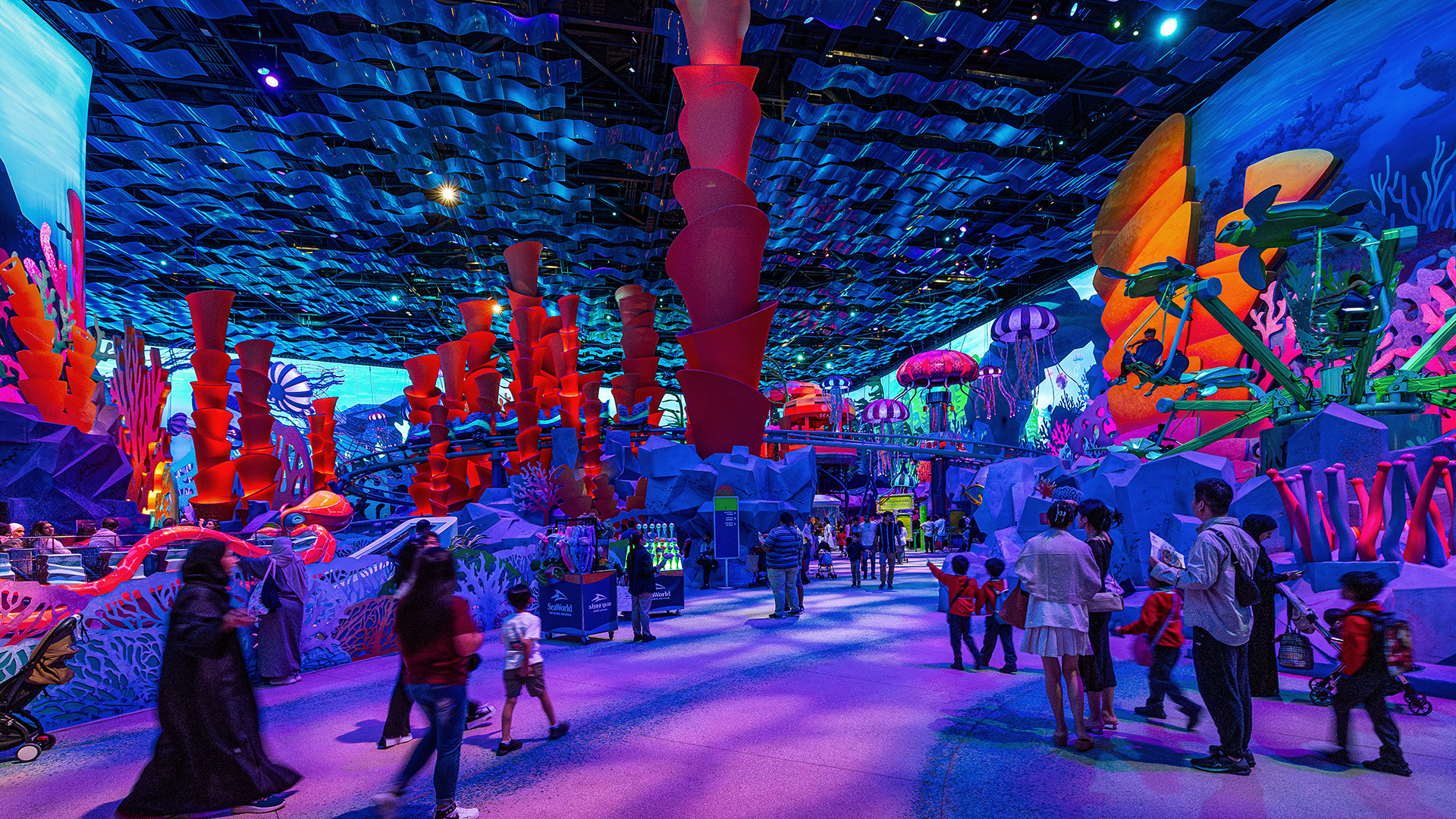
The design of SeaWorld Yas Island, Abu Dhabi was a massive effort and illustrates this approach on a huge scale. The park was designed through a comprehensive digital model that coordinated years of architectural information and thousands of design iterations. Every zone was integrated into a central Revit environment.
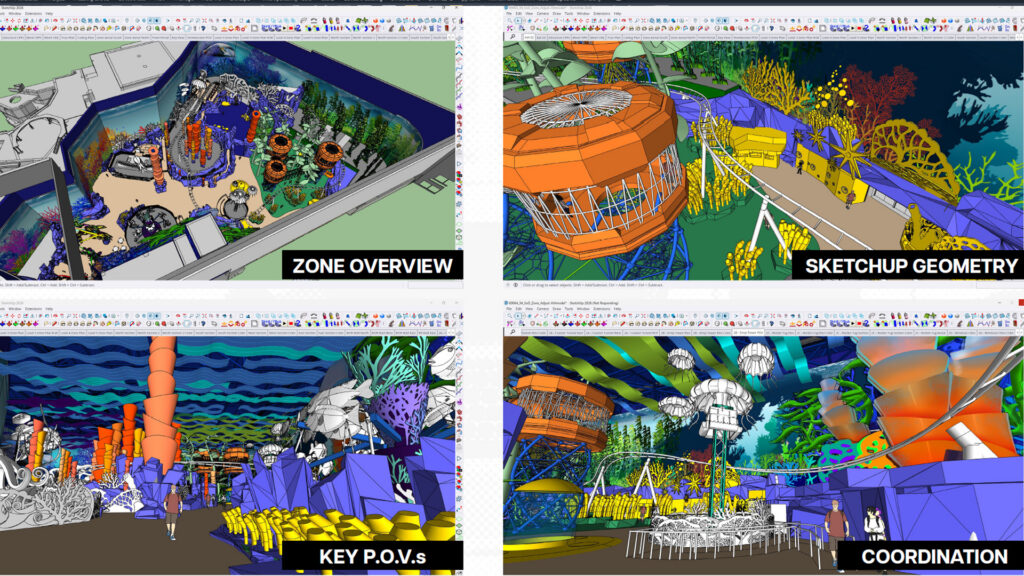
Cooperstein explains, “I was charged with leading the MicroOcean zone. I began with base information in Revit. Then I brought it into SketchUp, because I’ve been using it for over 20 years, and that’s my expertise. So the comprehensive model of my zone was built in SketchUp.”
Within SketchUp, all architectural elements were assembled and managed. Meanwhile, other team members were building pieces in their platform of choice.
- Jason Mills, Director of Visual Development, built rides and attractions in Rhino, adding theming, color, and texture.
- Brian Roash, Designer and Art Director, sculpted the artificial rockwork in ZBrush, where he formulated the organic shapes, colors, and textures.
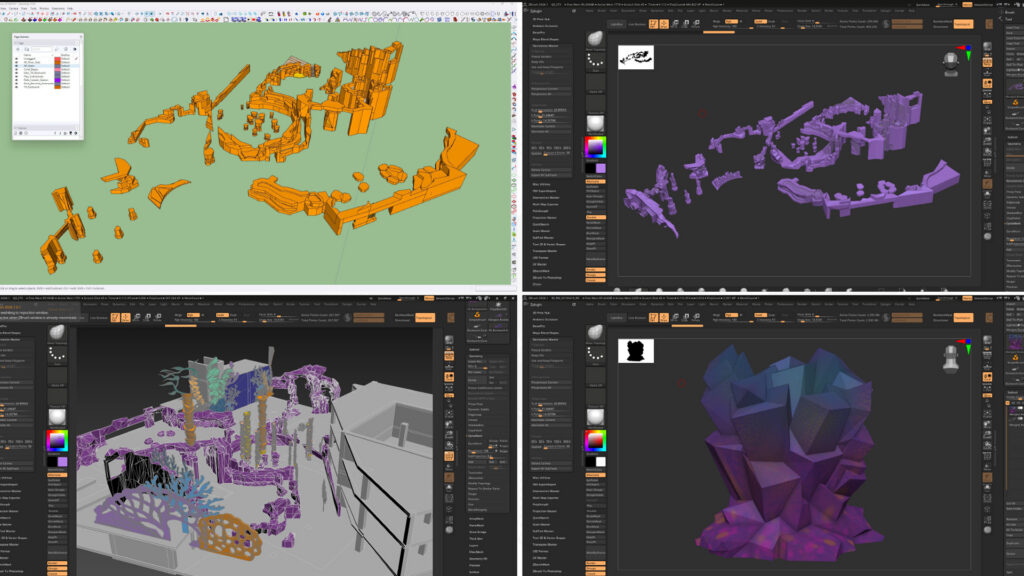
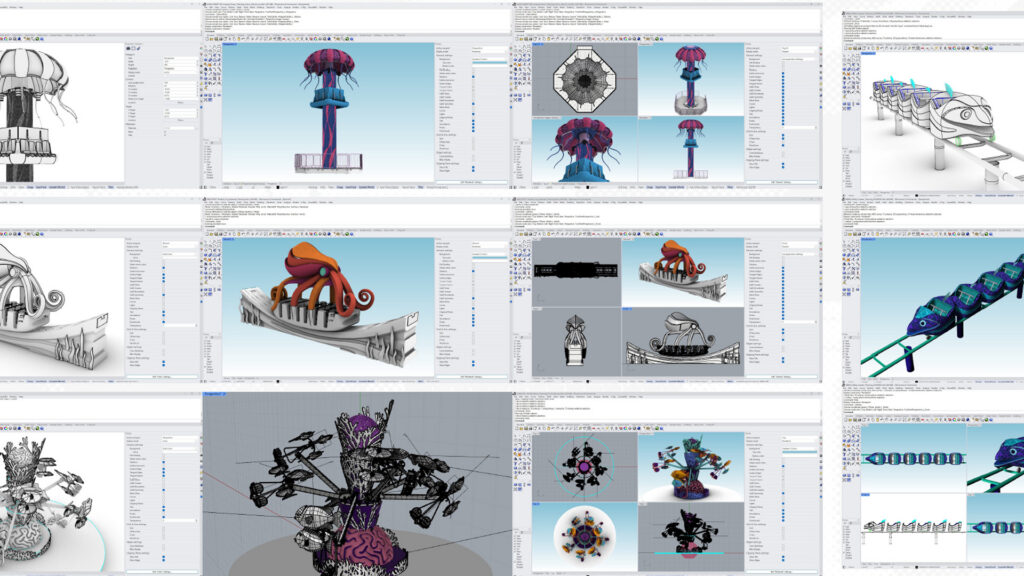
The parts were reassembled into the zone’s comprehensive SketchUp model. And then the zone model was reassembled in the overall park’s comprehensive Revit model. Ride envelopes were modeled to ensure rockwork and structures remained clear of moving vehicles. Mechanical, electrical, and consultant systems were layered in. Themed elements were sculpted, refined, and reintegrated.
Seven zones of the park were developed simultaneously. Every ride, habitat, show element, and guest experience component was coordinated across disciplines. Yet everything aligned within a single coordinated model.
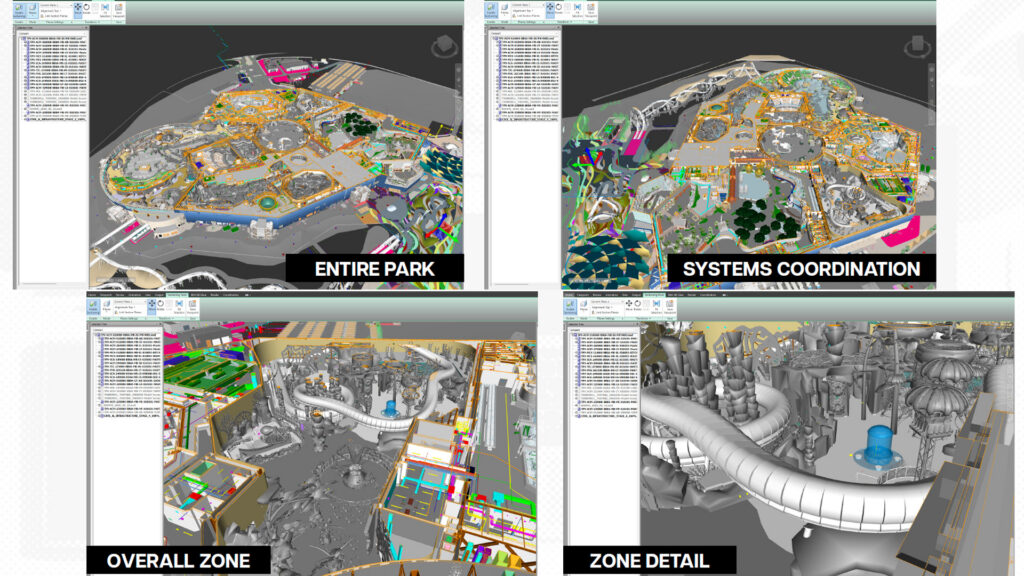
Zoom into the comprehensive model, and you could see everything: architecture, theming, mechanical systems, ride envelopes, all resolved before construction began. From there, everything was documented through InDesign, including drawings, character reference photos, renderings, architectural notes, dimensions, etc.
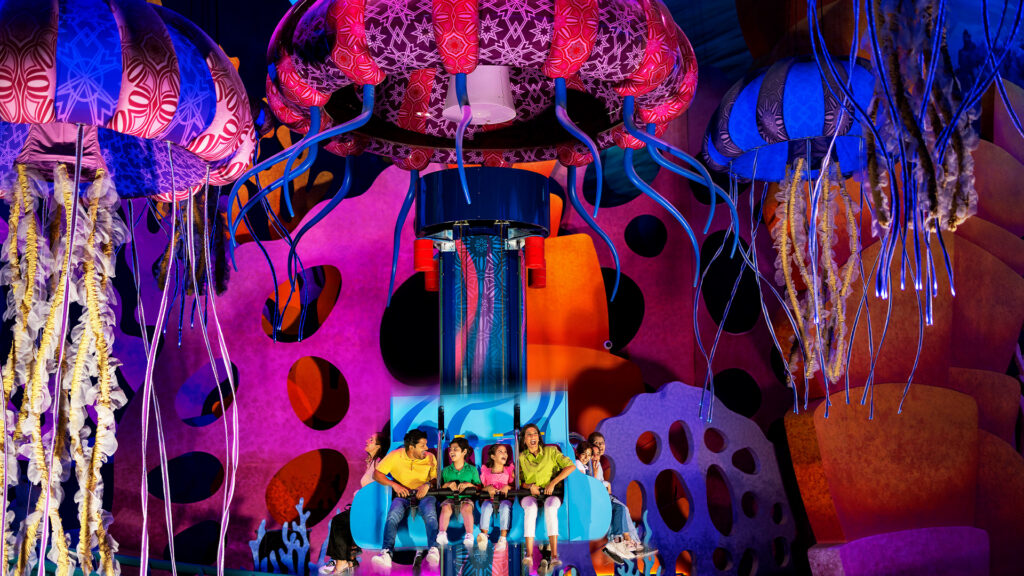
Three and a half years later, that digital vision became physical reality. Cooperstein reflects, “You remember designing those elements digitally, laboring over every detail. And then you see it, filled with kids laughing and racing by on the ride that once existed only as a model. It’s super amazing to see, and one of the most satisfying parts of our jobs.”
Digital Evolution
That level of coordination is not optional. With increasingly complex projects, it’s now the foundation for design. Building Information Modeling (BIM) is only the beginning, Cooperstein notes. “We are now able to create digital twins, building an environment with real-world information and data, before ever putting a shovel in the ground.”
These fully coordinated 3D environments allow teams to:
- Simulate guest flow
- Test ride movement
- Integrate media systems
- Detect clashes before construction
- Visualize habitats and exhibits in real time
The future of design is increasingly collaborative and real-time. We’re moving toward environments where multiple designers work inside the same 3D model simultaneously. Team members can flag ideas directly within the model and clients can click into elements and understand design intent.
The Role of AI
And now, another layer is reshaping the process: artificial intelligence (AI).
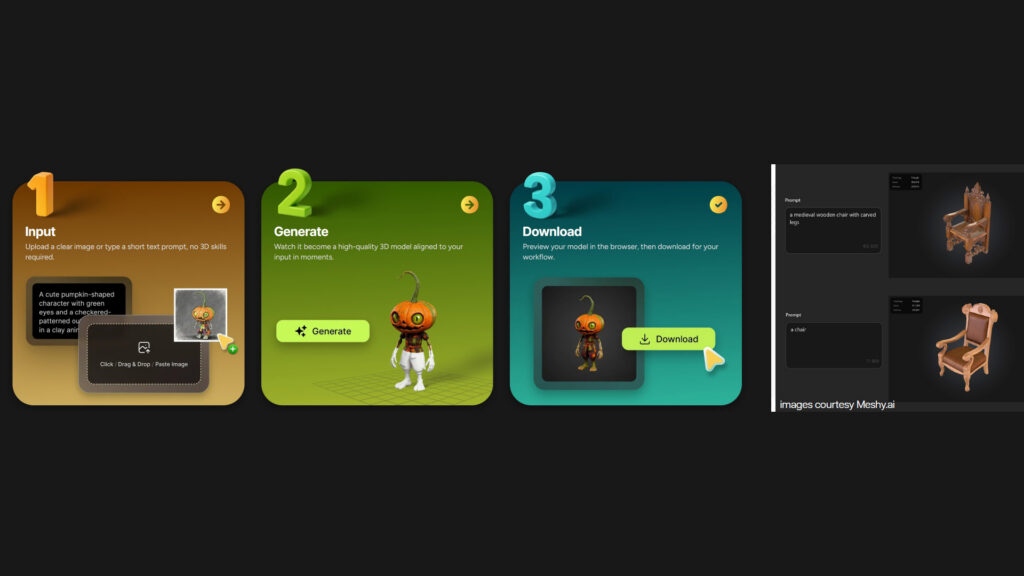
- Sketch-to-image tools generate visual concepts in minutes.
- Text-to-3D platforms allow designers to type a description and generate a usable 3D object.
- 2D images can be transformed into navigable 3D models.
- Concept art can be rapidly iterated and refined.
But AI, like every tool before it, does not replace the designer.
“The goal hasn’t changed,” Cooperstein says. “We help people see and understand ideas. The tools are faster, smarter, and more powerful, but imagination remains at the center. Behind every model, every environment, every experience is the idea in someone’s head. Creativity and innovation begin in our minds long before they reach our screens.”
Special thanks to Adolfo Maalindog, Director of Visualization at JEMA, who helped develop and co-presented this material at “Pencils to Pixels: How Tech Is Redrawing the Architectural Landscape” for AIA St. Louis.